White-label your knowledge base: custom domains, themes, and brand kits
Many knowledge base platforms present a generic face, diluting your brand's presence and confusing users. True enterprise readiness demands a fully white-labeled experience, ensuring your documentation seamlessly integrates with your existing customer journey and upholds your brand's integrity.
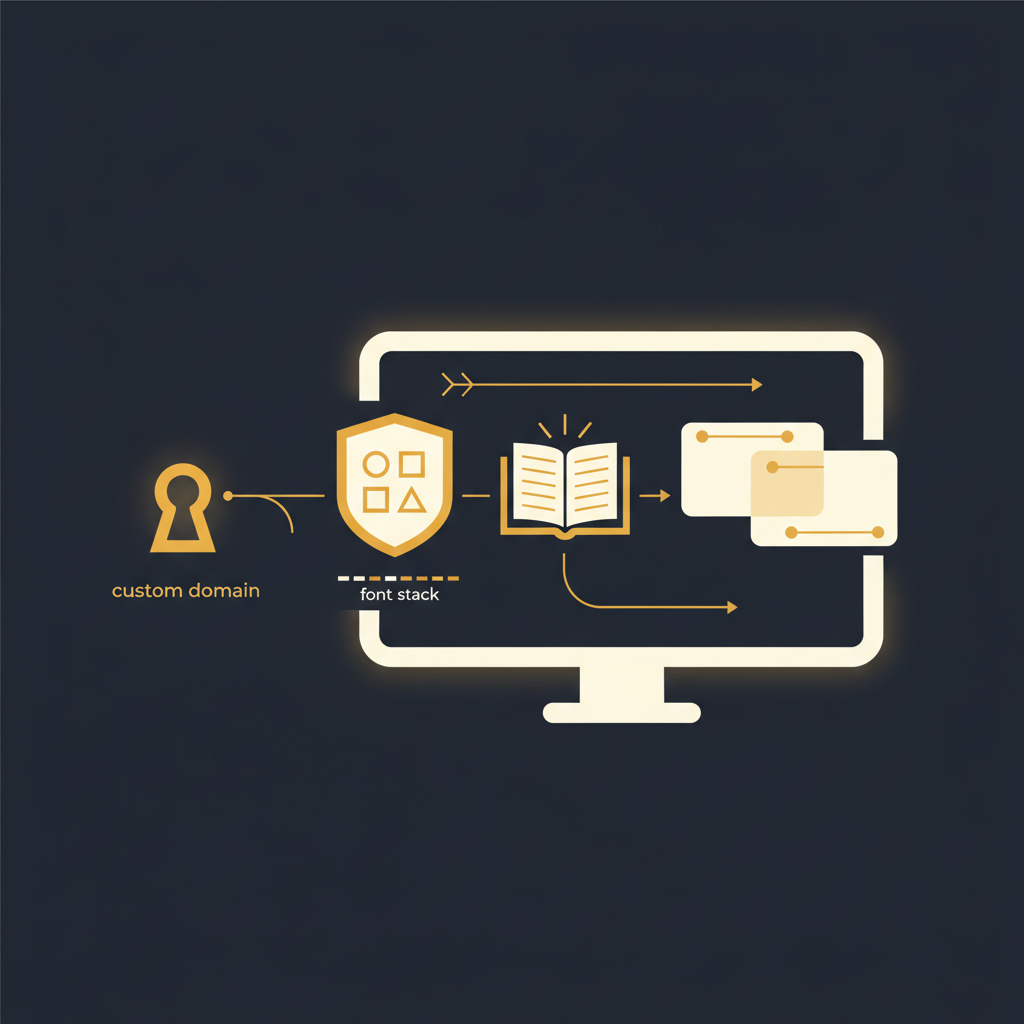
For organizations operating at scale, a knowledge base is more than a repository of information; it is an extension of the product and, critically, an extension of the brand. Many solutions, however, present a generic, vendor-branded interface that undermines the very consistency enterprises strive to maintain. Presenting customers with a help center that feels disconnected from your primary website or application is a missed opportunity to reinforce trust and professionalism. A truly white-labeled knowledge base, however, ensures every touchpoint reflects your company’s established identity.
The Non-Negotiable: Custom Domains
The first, and arguably most fundamental, aspect of white-labeling is the custom domain. Directing customers to help.yourcompany.com rather than vendor.platform.com/yourcompanyname is not merely a cosmetic preference; it is a declaration of ownership and a critical component of brand integrity. When a customer seeks assistance, the URL they see plays a subtle yet significant role in their perception of legitimacy and security.
Consider the experience from a user's perspective. Navigating from your product, app.yourcompany.com, to a support resource hosted on a third-party subdomain can introduce a moment of cognitive dissonance. Is this still part of the same trusted ecosystem? A custom domain alleviates these concerns immediately, signaling continuity and reinforcing that the help content is an integral part of your offering.
From an operational standpoint, implementing a custom domain typically involves configuring a CNAME record in your DNS settings. Modern platforms handle the complexities of SSL certificate management, ensuring your custom domain is served securely via HTTPS. This technical abstraction means your operations teams can focus on content, not certificate renewals.
Furthermore, a custom domain contributes to better search engine visibility. Having your help content indexed under your primary domain structure can consolidate your overall SEO authority, meaning potential customers are more likely to encounter your official, branded resources directly. The perceived credibility of a search result originating from your domain is inherently higher.
Ultimately, a custom domain transforms a generic support portal into a seamless extension of your brand, fostering greater customer confidence and streamlining the journey from product usage to self-service resolution.
Beyond the Logo: Brand Kits and Thematic Consistency
While a custom domain establishes the foundational trust, the visual presentation of your knowledge base solidifies it. White-labeling extends far beyond merely uploading a logo. True brand integration requires a comprehensive brand kit that dictates the aesthetic identity of your support portal, making it indistinguishable from your core product or corporate website.
A robust brand kit typically includes specific directives for:
- Colors: This encompasses primary brand colors, secondary colors for accents, text colors for readability (main text, headings, links), and background colors. These are often defined by precise hexadecimal values (e.g.,
#1A73E8) or RGB triplets, ensuring exact replication across all digital properties. - Typography: Specifying fonts (e.g., Lato, Open Sans, Inter) for headings, body text, and other elements is crucial. Consistency in font families, weights, and sizes reinforces brand identity and ensures readability. Enterprise-grade platforms should offer a selection of widely-used, accessible web fonts or provide mechanisms to integrate custom fonts where licensing permits.
- Favicon: The small icon displayed in browser tabs or bookmarks, while minor, contributes to the overall branded experience. It is a persistent visual cue that reinforces the user's location within your brand ecosystem.
The objective is not just to make the knowledge base "look nice," but to ensure it feels inherently "yours." When a customer transitions from your marketing site to your product, and then to your help documentation, the visual continuity should be unbroken. This consistent experience reduces friction, improves user satisfaction, and reinforces the perception of a meticulously designed, cohesive product ecosystem.
The commitment to these visual details signals to your customers that their support experience is as important as their product experience, solidifying your brand's reputation for quality and consistency.
Fine-Grained Control: Theme Tokens and CSS Custom Properties
For organizations with stringent brand guidelines or those requiring highly specific visual adaptations, relying solely on pre-defined "theme settings" is often insufficient. This is where advanced white-labeling features, specifically theme tokens and CSS custom properties, become indispensable. These capabilities provide a granular level of control that allows a knowledge base to truly mirror an existing design system.
Theme tokens are essentially named variables that represent specific design attributes, such as --color-primary-brand or --font-size-heading-1. Instead of hard-coding values like #1A73E8 or 24px, designers reference these tokens. When a token's value is updated, every element that uses that token automatically reflects the change. This method is crucial for maintaining design consistency across large, complex applications and their associated content platforms.
In the context of a white-labeled knowledge base, a sophisticated platform exposes these tokens, often mapping them directly to CSS custom properties (variables). This allows your team to override default styles with your brand's specific values, without directly modifying the underlying CSS files of the platform. For example, you might inject a small snippet of CSS like this:
:root { --tome-robot-color-primary: #007bff; --tome-robot-color-heading: #333; --tome-robot-font-family-body: 'Inter', sans-serif; --tome-robot-border-radius-button: 4px;}This approach offers several significant advantages:
- Precision: It allows for pixel-perfect alignment with your design system, controlling everything from button border radii to link hover states.
- Maintainability and Scalability: Customizations are more resilient to platform updates because you are overriding variables, not entire style blocks. This means changes can be propagated quickly and consistently, significantly reducing the operational overhead of maintaining a custom appearance even as brand guidelines evolve.
For enterprise customers, this level of granular control is not a luxury; it is a necessity. It ensures that the knowledge base is not merely functional but also a fully integrated, visually impeccable extension of their brand, meeting the highest standards of corporate identity and user experience.
The Operational Impact of a Branded Knowledge Base
Beyond the immediate aesthetic benefits, a thoughtfully white-labeled knowledge base delivers tangible operational advantages that impact customer satisfaction, support efficiency, and internal workflows.
- Enhanced Customer Trust and Adoption: When your help center seamlessly reflects your brand, customers perceive it as more authoritative and trustworthy. This encourages greater reliance on self-service resources, reducing instances where customers bypass the knowledge base entirely to contact support directly. A consistent brand experience fosters confidence, making users more likely to engage with the provided documentation.
- Reduced Support Ticket Volume: Increased self-service adoption directly translates to fewer inbound support inquiries. Customers who find answers quickly within a familiar, branded environment are less likely to open tickets for common issues. This frees up support agents to focus on more complex, high-value problems, improving overall support team efficiency and reducing operational costs.
- Improved User Experience and Navigation: Visual consistency minimizes cognitive load. Users don't need to reorient themselves to a new interface or brand identity when moving from your product to your help articles. This smooth transition makes finding information faster and less frustrating, leading to a more positive overall customer experience.
- Stronger Internal Buy-in and Contribution: When the knowledge base looks and feels like an integral part of the company, internal teams (product, engineering, sales, marketing) are more likely to view it as "our" knowledge base rather than "the vendor's" knowledge base. This fosters greater ownership and encourages more active contribution and maintenance of articles, ensuring the content remains accurate and comprehensive.
- Reinforced Brand Equity: Every interaction a customer has with your company, including seeking help, is an opportunity to reinforce your brand. A white-labeled knowledge base ensures that even in moments of frustration or inquiry, your brand message (professionalism, reliability, user-centricity) is consistently delivered. This strengthens brand equity over time and contributes to customer loyalty.
These operational efficiencies are not merely theoretical; they represent measurable gains in customer satisfaction scores, reductions in average handle time for support cases, and improved content freshness, all stemming from the foundational decision to prioritize a fully branded customer experience.
White-labeling a knowledge base is more than a superficial branding exercise; it is a strategic investment in customer experience and operational efficiency. It acknowledges that every customer touchpoint, including where they seek help, contributes to their perception of your brand. By offering robust custom domain capabilities, comprehensive brand kit integration, and fine-grained control via theme tokens, platforms like Tome Robot enable enterprises to deliver a support experience that is truly their own. This commitment to detail ensures your knowledge base functions not just as a repository of information, but as a seamless, trustworthy extension of your brand.
Stop writing docs nobody reads.
Record them instead.
Install the extension, walk through the tool you're tired of explaining. Tome Robot does the rest.