How to version-control your documentation without scaring your writers
Maintaining accurate, up-to-date documentation across fast-evolving products and teams is a persistent challenge. Adopting code-like version control offers a solution, but not if it requires customer-facing teams to learn complex developer tools.
For operations, customer success, and support leaders, the internal knowledge base is both a critical asset and a constant headache. It represents the collective wisdom of your organization, yet its accuracy and currency are perpetually at risk. A support article for a feature that changed last sprint, an ops runbook missing a crucial new step, or a sales guide with outdated pricing: these aren't minor inconveniences. They are direct vectors for inefficiency, customer frustration, and escalating costs. The prevailing methods for managing this content – shared drives, basic wikis, or siloed documents – simply don't scale with the pace of modern software development and service delivery. These approaches lack the rigor, auditability, and collaborative mechanisms essential for high-stakes documentation.
The Hidden Costs of Uncontrolled Documentation
Most teams operate under a false sense of security regarding their internal documentation. A document lives on a shared drive, perhaps a wiki page. When an update is needed, someone edits it. Simple, right? This seemingly straightforward process masks significant operational debt. Without robust version control, you lose several critical capabilities. First, auditability vanishes. Who changed what, when, and why? Reconstructing a document's history to understand a process failure or a customer miscommunication becomes a forensic exercise. Second, collaboration becomes risky. Multiple team members editing the same document simultaneously often leads to lost work, conflicting information, or a "last save wins" scenario. Third, error recovery is difficult. If a critical piece of information is accidentally deleted or an incorrect update is published, reverting to a previous, correct state is often impossible, or at best, a manual, time-consuming effort. Imagine a crucial incident response runbook being incorrectly updated, and the only way to recover the correct version is to dig through email attachments or rely on someone's local copy. The cost of such an oversight can range from minor delays to major outages and reputational damage. These "hidden costs" are not abstract; they manifest as increased support ticket resolution times, longer employee onboarding, and regulatory non-compliance risks.
Why "Just Use Git" Is a Non-Starter for Most Teams
The engineering world solved many of these problems decades ago with version control systems like Git. Developers rely on Git for branching (working on changes in isolation), diffing (seeing exactly what changed), pull requests (formalizing review and approval), and rolling back to any previous state. It's a powerful, indispensable toolkit for managing complex, collaborative text-based content (code). The temptation for technical leaders, then, is to suggest their non-engineering counterparts "just learn Git." This perspective, while well-intentioned, fundamentally misunderstands the problem. Asking a customer success manager, an HR specialist, or an operations analyst to master command-line interfaces, understand merge conflicts, or navigate abstract commit graphs is a non-starter. Their primary role is not software development; it's customer interaction, process optimization, or people management. Imposing a developer workflow on these teams introduces an unacceptable cognitive load, creates significant training overhead, and ultimately discourages documentation altogether. The goal isn't to turn everyone into a developer; it's to provide the benefits of version control without the complexity of its traditional implementation.
The UI-Driven Approach to Documentation Governance
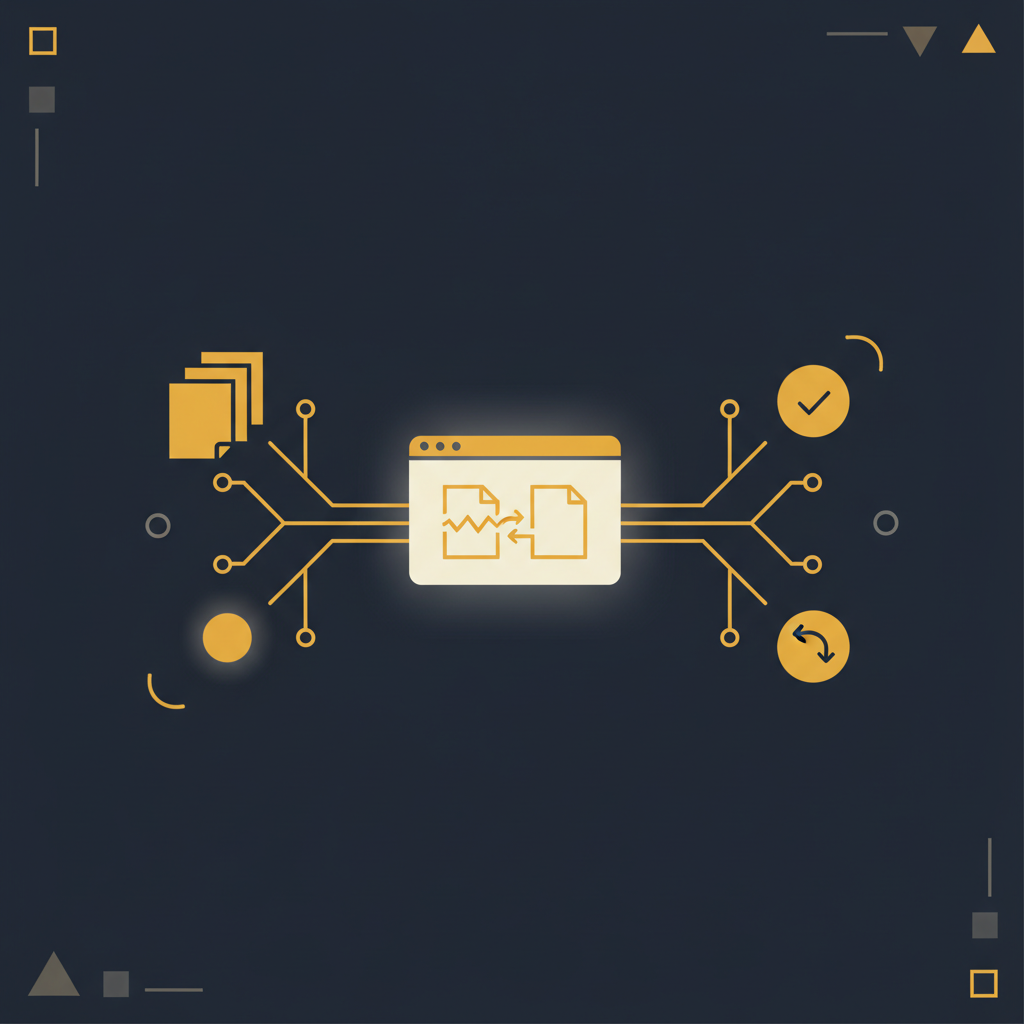
The solution lies in abstracting the power of version control behind an intuitive, user-friendly interface. This means building a system that offers the core capabilities of Git – branching, diffs, approval workflows, and rollbacks – without requiring any knowledge of Git commands or concepts.
Consider how this translates into a practical workflow:
- Branching for Isolation: When a team member needs to update a critical support article for an upcoming product release, they "branch" the article. This creates a personal, isolated copy where they can make changes without affecting the live version. This is critical for preparing documentation in advance of a launch or for making substantial, multi-day edits.
- Clear Diffing and Review: As changes are made, the system automatically tracks them. When the user is ready for review, they can see a clear, side-by-side comparison (a "diff") of their proposed changes against the current live version. This highlights every addition, deletion, and modification, making the review process efficient and precise. Reviewers (peers, managers, subject matter experts) can easily approve or request further modifications.
- Structured Approval Flows: Instead of ad-hoc Slack messages or email chains, changes are submitted through a defined approval process. This ensures that critical documentation passes through necessary checks and balances before publication. For example, a legal disclaimer update might require sign-off from the legal department, while a technical guide needs an engineering review.
- Effortless Rollback: Mistakes happen. If an update is published that proves incorrect or problematic, the system allows for an instant rollback to any previous version with a single click. This eliminates the panic and manual reconstruction efforts associated with traditional document management.
- Automated Change Detection: Beyond human-initiated updates, a truly robust system should detect when the underlying UI or process described in a document has changed. This proactive flagging ensures documentation remains accurate even when teams forget to update it, preventing the insidious drift of outdated information.
This approach provides the necessary rigor for high-stakes documentation without burdening non-technical teams with developer tools. It treats documentation like a strategic asset, subject to the same governance and quality standards as production code.
Operationalizing Version Control for Your Teams
Implementing such a system changes how teams interact with documentation fundamentally. For a customer support team, it means an agent can confidently pull up the latest troubleshooting guide, knowing it has been reviewed and approved, and that its history is fully traceable. For an operations team, a runbook can be updated for a new incident response protocol, reviewed by all stakeholders, and published with an immutable audit trail. If a new version introduces an unforeseen issue, a quick rollback prevents further disruption. This level of control significantly reduces operational risk. Furthermore, the ability to work on documentation in branches means that sensitive or complex updates (e.g., changes to compliance procedures, major product launches) can be prepared well in advance, reviewed thoroughly, and released precisely when needed, without disrupting day-to-day operations or revealing changes prematurely. The reduction in friction for contributors encourages more frequent and accurate updates, moving documentation from a necessary evil to a powerful, dynamic resource.
The challenge of managing organizational knowledge is not going away. It demands a sophisticated yet accessible solution, one that respects the varied technical aptitudes of your teams while providing the robust governance typically reserved for code. Adopting a UI-driven, version-controlled approach to documentation fundamentally elevates its reliability and value. It ensures that the collective intelligence of your organization remains a living, trusted resource, rather than a graveyard of outdated information. Platforms that simplify these advanced capabilities, like Tome Robot, transform documentation from a reactive chore into a proactive operational advantage.
Stop writing docs nobody reads.
Record them instead.
Install the extension, walk through the tool you're tired of explaining. Tome Robot does the rest.