Product marketing: turning release notes into 60-second demos
Product teams invest heavily in new features, yet communicating their value often falls flat. Instead of relying on lengthy text, imagine every release accompanied by a concise, auto-generated 60-second video demo.
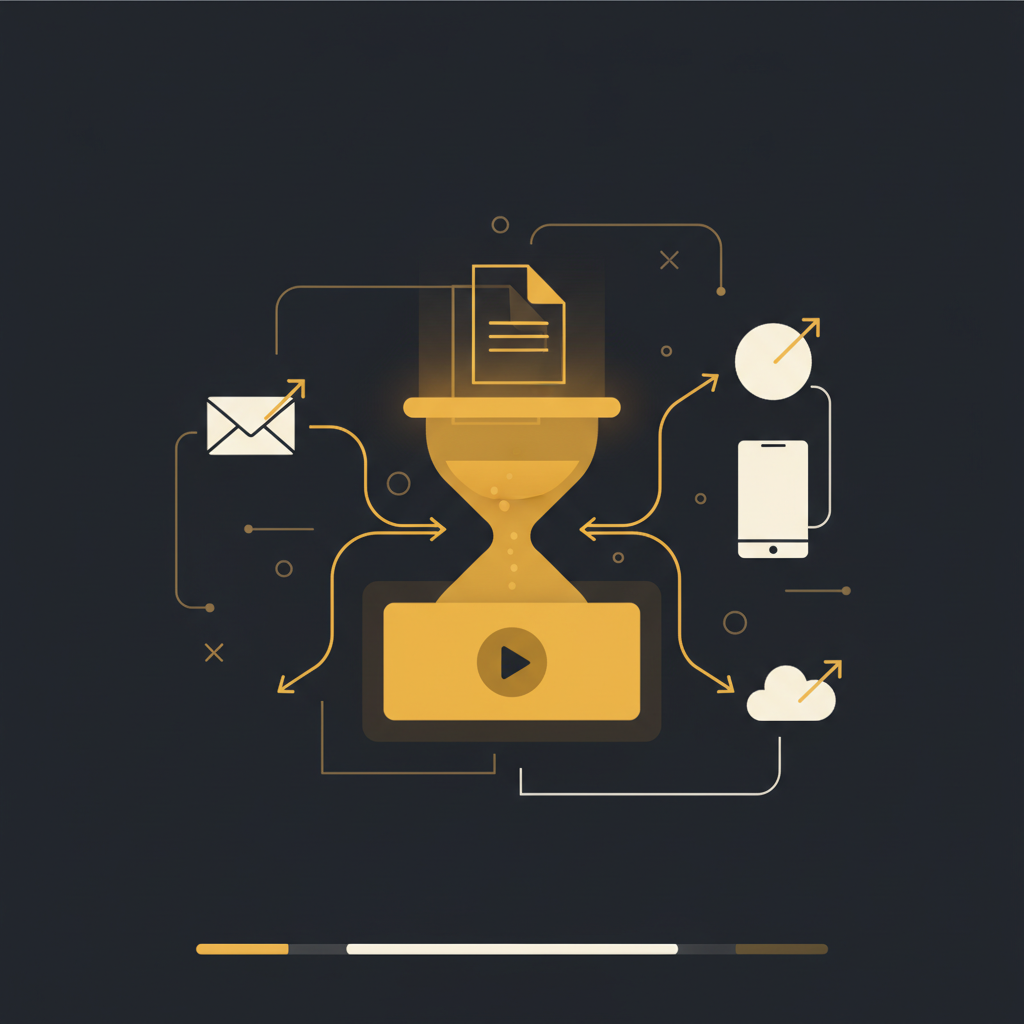
The product development cycle culminates in a release, but the journey isn't over until users understand and adopt new features. For too long, the default mechanism for communicating these updates has been the humble release note: a block of text detailing what's new. While well-intentioned, this approach frequently falls short, leaving users confused, support teams overwhelmed, and product adoption stagnant. There's a more effective way to bridge the gap between development and user understanding.
The Persistent Inadequacy of Text-Only Release Notes
Product managers and marketing teams diligently craft release notes, believing them to be the primary conduit for informing users. Yet, the reality is often different. A typical user, pressed for time and inundated with information, will skim or ignore a lengthy text document describing a new feature. Consider a complex enterprise application that adds a subtle but powerful filter option within a dashboard. A textual description, no matter how precise, demands significant cognitive effort. The user must mentally parse the explanation, visualize the interaction, and then attempt to replicate it in the actual product. This isn't just inefficient; it's a barrier to adoption.
The pitfalls are numerous. Release notes often lack the immediate context of the user interface. They rely on jargon familiar to the product team but alien to a segment of the user base. They rarely convey the why or the how in a truly intuitive manner. Consequently, users either miss valuable updates entirely, or they resort to filing support tickets asking for clarification on features that have, in fact, been documented. This creates a wasteful cycle: PMs spend time writing notes, users spend time deciphering them or asking for help, and support teams spend time answering questions about documented features. The perceived efficiency of 'just writing it down' quickly evaporates when measured against actual user comprehension and product adoption metrics.
The "Show, Don't Tell" Mandate: Why 60-Second Demos Win
In an attention-scarce economy, the imperative is clear: show, don't tell. A brief, focused, visual demonstration of a new feature is exponentially more effective than a textual description. A 60-second demo can convey more information, with greater clarity, than a 500-word article. It provides immediate context, illustrating the user interface, the exact steps of interaction, and the tangible outcome. This accelerates the "aha!" moment, reducing the friction between awareness and adoption.
The challenge, historically, has been the resource overhead associated with creating these demos. Producing high-quality video demonstrations typically involves a multi-stage process: script writing, screen recording, voiceover narration, video editing, and often multiple rounds of review. This can easily consume several hours, if not a full day, for even a minor feature update. For product teams operating on agile cycles with frequent releases, this quickly becomes an unsustainable bottleneck. The choice often defaults to text-only release notes not because they are superior, but because the alternative is perceived as too costly in time and effort. As a result, valuable features remain underutilized simply because their introduction was not compelling enough to capture user attention.
Streamlining the Demo Workflow: From PM's Recording to Polished Walkthrough
The creation of essential visual demos should be efficient, integrating seamlessly into the product development lifecycle. Imagine a process where a product manager's internal review or testing of a new feature directly informs its user-facing documentation.
Here's a practical workflow that shifts this paradigm:
- PM-Led Recording: During internal testing, quality assurance, or a final review, the product manager records their screen as they naturally interact with the new feature. This is not a performance for an audience; it's an authentic walkthrough of the intended user journey.
- Automated Processing: This raw recording is then processed by a specialized platform. This system automatically identifies discrete actions (clicks, key presses), captures corresponding screenshots, and structures them into a logical sequence.
- Intelligent Narration Generation: The platform analyzes the recorded actions and can generate a draft narration, explaining each step based on context. This draft significantly reduces the manual effort of writing voiceover scripts.
- PII Redaction: A critical step, especially when using real or semi-real data in internal walkthroughs. The system automatically detects and redacts sensitive information (personally identifiable information) from screenshots and any auto-generated text, ensuring compliance and privacy.
- Quick Refinement: The product manager or a product marketer then reviews the auto-generated walkthrough. They can quickly edit the text, adjust narration, add specific emphasis, or reorder steps if necessary. This transforms a functional recording into a polished, user-friendly demo in a fraction of the time required for traditional video production.
- Output & Integration: The final output is a concise, interactive walkthrough. This process, facilitated by Tome Robot, bypasses traditional bottlenecks, making visual demos a standard for every release.
This approach ensures accuracy, as the source material comes directly from the feature's architect, and dramatically reduces the time to produce high-quality instructional content.
Strategic Distribution: Reaching Users Where They Are
Creating compelling 60-second demos is only half the battle; ensuring they reach the intended audience is the other. Effective distribution is crucial for maximizing adoption.
Consider these channels for delivering visual product updates:
- Changelog Integration: Instead of merely linking to a knowledge base article, embed the 60-second demo directly into your changelog page. This immediately provides a visual context that standard text cannot. Users visiting the changelog can see the feature in action without navigating away.
- In-App Messaging: For highly targeted feature releases, use in-app notifications or modals that, upon dismissal or interaction, present the relevant demo. This offers contextual learning precisely when the user is most receptive to understanding a new tool or workflow. For instance, a user encountering a redesigned settings panel could receive a brief walkthrough of the new layout.
- Email Updates: Product update emails traditionally suffer from low engagement when they are text-heavy. Embedding a GIF or a direct link to a concise demo within the email can significantly boost click-through rates and comprehension. The email becomes a portal to immediate understanding, rather than a lengthy read.
- Internal Knowledge Bases: Sales, customer success, and support teams are the first line of defense. Providing them with easy access to these 60-second demos (automatically updated when the UI changes) ensures they are equipped with the latest information, reducing time to resolution and improving customer experience.
The goal is not just to inform, but to proactively educate. By pushing visual, easy-to-digest content to users through their preferred channels, product teams can significantly reduce reactive support requests and accelerate feature adoption. The system should also monitor for UI changes, automatically flagging demos that need updates, ensuring content remains accurate and relevant over time.
The era of verbose, text-heavy release notes as the primary mode of product communication is drawing to a close. Practical product marketing demands efficiency, clarity, and impact. By embracing automated visual documentation, product teams can transform what was once a burdensome, often ineffective, task into a streamlined process that genuinely drives user comprehension and feature adoption. This shift isn't about replacing all written documentation, but about elevating the initial user experience with new features, ensuring every innovation finds its intended audience and purpose.
Stop writing docs nobody reads.
Record them instead.
Install the extension, walk through the tool you're tired of explaining. Tome Robot does the rest.