MFA, SSO, and role-based access: enterprise security in Tome Robot
Securing internal operational knowledge is critical, but robust measures should not impede productivity. This post details how practical MFA, streamlined SSO, and granular role-based access control enable teams to maintain a secure, current knowledge base.
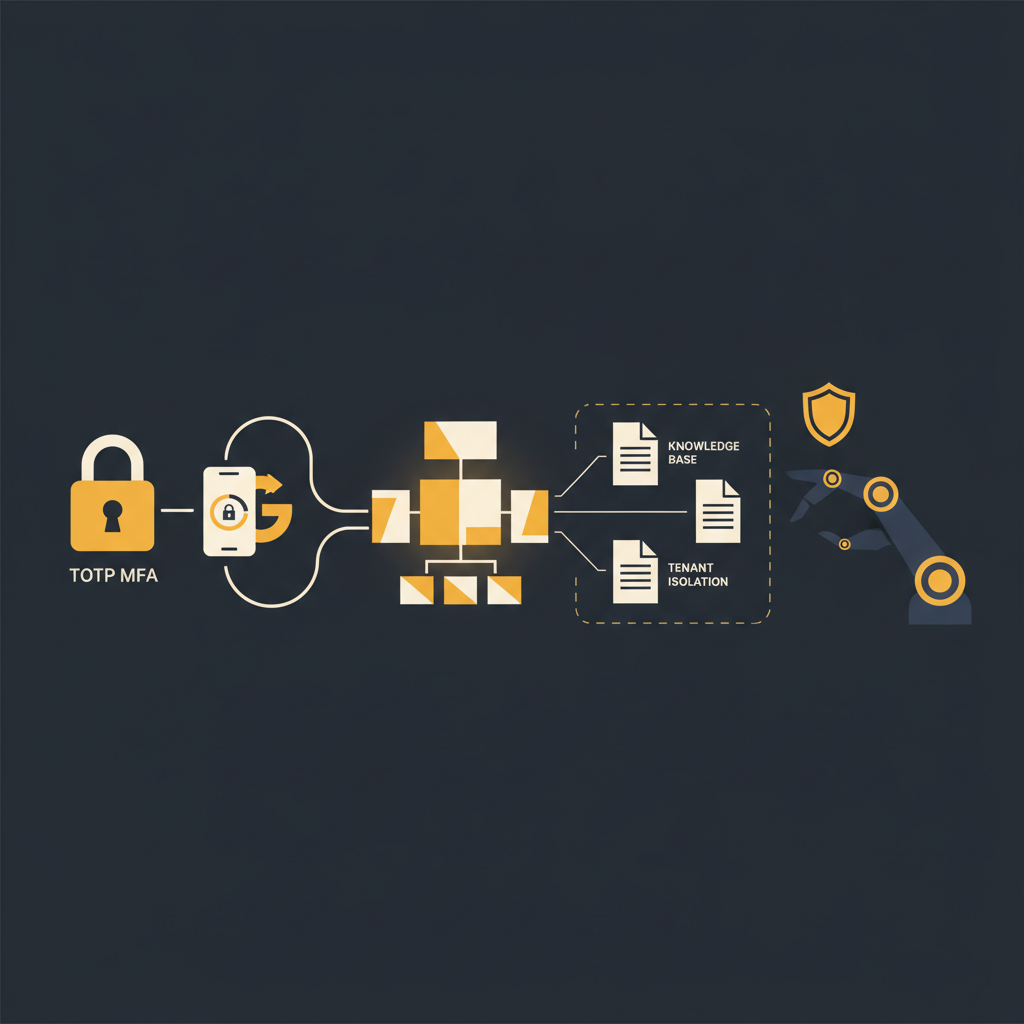
The creation and maintenance of an internal knowledge base often presents a conflict: the need for accessible, comprehensive documentation versus the imperative to secure sensitive operational data. Leaders in operations, customer success, support, and engineering understand that a compromised internal process guide or an unmanaged system walkthrough can carry substantial risk. The challenge, then, is to implement security protocols that are both effective and unobtrusive, allowing contributors using a platform like Tome Robot to focus on documenting critical information without navigating unnecessary friction.
Multi-Factor Authentication (MFA): A Necessary Baseline
Password-only authentication has long been insufficient, a fact widely acknowledged across the technology landscape. Despite this, many internal tools continue to rely on it, exposing organizations to credential stuffing, phishing, and brute-force attacks. Multi-Factor Authentication (MFA) is not an optional enhancement but a fundamental security requirement for any platform storing operational knowledge, particularly one that details sensitive internal processes.
For platforms like an internal knowledge base, Time-based One-Time Password (TOTP) MFA offers a practical and widely adopted standard. This method involves a user providing something they know (their password) and something they have (a code generated by an authenticator app on their device). When implemented correctly, TOTP significantly elevates the security posture. It means that even if an attacker compromises a user's password through a data breach or phishing attempt, they still cannot gain access without the second factor. The setup process is typically straightforward: the user scans a QR code with their authenticator app, links their account, and then provides a six-digit code during login. This adds a minimal step to the login process for users while substantially increasing the effort required for unauthorized access. For administrators, it offers peace of mind, knowing that a common attack vector has been effectively mitigated. The marginal inconvenience for users is a small price to pay for the substantial reduction in risk associated with safeguarding institutional knowledge. A knowledge base platform that does not enforce MFA for all users, or at least offer it as a mandatory option, is not adequately protecting its contents.
Streamlined Access with Single Sign-On (SSO)
While MFA addresses the "who" in authentication, Single Sign-On (SSO) streamlines the "how" for organizations managing numerous internal applications. For teams already invested in a robust identity provider, integrating SSO for their knowledge base is a logical and beneficial step. Google OAuth SSO, for instance, allows organizations to centralize user authentication, dramatically simplifying both the user experience and administrative overhead.
From a user perspective, SSO eliminates password fatigue. Instead of remembering yet another unique password for the knowledge base, users authenticate once through their existing corporate Google account. This reduces friction, encouraging more frequent and consistent use of the knowledge base, which in turn fosters better documentation habits. For IT and security teams, the advantages are more pronounced. SSO centralizes identity management, ensuring that user provisioning and deprovisioning are handled consistently across all integrated applications. When an employee joins or leaves the organization, their access to the knowledge base can be automatically granted or revoked via the existing identity provider, reducing the risk of orphaned accounts or unauthorized lingering access. This minimizes the "shadow IT" problem and ensures that access policies are enforced uniformly. Furthermore, by offloading authentication to a trusted identity provider, the knowledge base platform itself bears less direct responsibility for credential management, often leveraging the advanced security features (like adaptive authentication or anomaly detection) already implemented by the identity provider. The result is a more secure, more manageable, and ultimately more usable system for documenting critical workflows.
Granular Control: Role-Based Access and Groups
Beyond authenticating users, organizations require fine-grained control over what authenticated users can actually do within a knowledge base. This is where role-based access control (RBAC) combined with user groups becomes indispensable. Without it, the "all or nothing" approach to content access creates immediate security vulnerabilities or undue administrative burdens.
An effective knowledge base platform allows administrators to define roles, each with a specific set of permissions, and then assign users to these roles, often facilitated by groups. Consider these common roles:
- Viewer: Can read all published articles. This role is suitable for the majority of employees who need to consume information but not create or modify it. They might be able to search, view, and perhaps comment, but cannot initiate changes.
- Contributor: Can create new articles and edit their own drafts. This role is ideal for subject matter experts across departments who need to document their processes without being able to modify others' work or publish content without review.
- Editor: Can create, edit, and publish articles, including those created by others. This role is typically assigned to team leads, documentation specialists, or process owners who are responsible for maintaining the accuracy and quality of a specific section or the entire knowledge base.
- Administrator: Full control over users, roles, and all content. This role manages the platform's configuration, user access, and global settings. Access should be tightly restricted to a very limited number of individuals.
The power of groups lies in simplifying administration. Instead of assigning roles to individual users one by one, administrators can assign roles to groups (e.g., "Engineering Team," "Customer Support," "HR"). When a new engineer joins, they are added to the "Engineering Team" group and automatically inherit the "Contributor" role for relevant sections, or the "Viewer" role for the entire knowledge base. When an employee changes roles or departments, their group membership can be adjusted, and their permissions update instantly. This ensures that sensitive documentation, such as HR policies, financial procedures, or proprietary engineering specifications, is only accessible to those with a legitimate need to know, preventing accidental or malicious data exposure. It also prevents unauthorized modifications to critical, validated processes, maintaining the integrity of the knowledge base itself. This layer of control is not merely a feature; it is a strategic imperative for any organization committed to data governance and operational integrity.
Tenant Isolation: Protecting Your Data in the Cloud
For any SaaS platform storing critical organizational data, the underlying architecture's security is paramount. While user-facing security features like MFA and SSO are crucial, the less visible aspect of tenant isolation provides a foundational layer of protection. Tenant isolation means that each customer's data is logically, and often physically, separated from every other customer's data within the shared infrastructure.
In a multi-tenant environment, the risk of data bleed or unauthorized cross-tenant access is a significant concern. A robust knowledge base platform must be engineered to ensure that your organization's sensitive process documentation remains strictly confined to your designated tenant. This typically involves several technical measures. Data at rest (stored in databases or file systems) should be encrypted using unique keys per tenant. Data in transit (moving between users, servers, and services) must be encrypted using industry-standard protocols like TLS 1.2 or higher. Furthermore, the application logic itself must be designed to enforce strict boundaries, preventing any user from one tenant from inadvertently or maliciously accessing data belonging to another. This is not just about compliance (though it certainly helps with frameworks like SOC 2 or HIPAA); it's about fundamental trust. When your team documents proprietary workflows, internal systems, or customer handling procedures, the expectation is that this information is only accessible to your team. Tenant isolation, backed by robust encryption and access controls at every layer of the infrastructure, provides that assurance. It means that even in a shared cloud environment, your operational intelligence remains segregated and secure, giving leaders confidence that their critical intellectual property is protected from other users of the service.
Implementing a comprehensive set of security measures, from multi-factor authentication and single sign-on to role-based access control and robust tenant isolation, transforms a knowledge base from a mere repository into a secure, reliable operational asset. These aren't just checkboxes; they are architectural decisions that facilitate the secure creation and dissemination of organizational knowledge. By embedding these controls thoughtfully, an organization can ensure its critical documentation is both protected and readily available, striking the necessary balance between security rigor and operational efficiency. This approach allows teams to document their most complex processes with confidence, knowing that a platform like Tome Robot supports both their productivity and their security imperatives.
Stop writing docs nobody reads.
Record them instead.
Install the extension, walk through the tool you're tired of explaining. Tome Robot does the rest.