Embedding interactive demos in Notion, Confluence, and Slack
Embedding live product walkthroughs in documentation is appealing, but the technical realities of oEmbed, iframes, and keeping content fresh often lead to frustration. This guide unpacks the practical considerations for Notion, Confluence, and Slack.
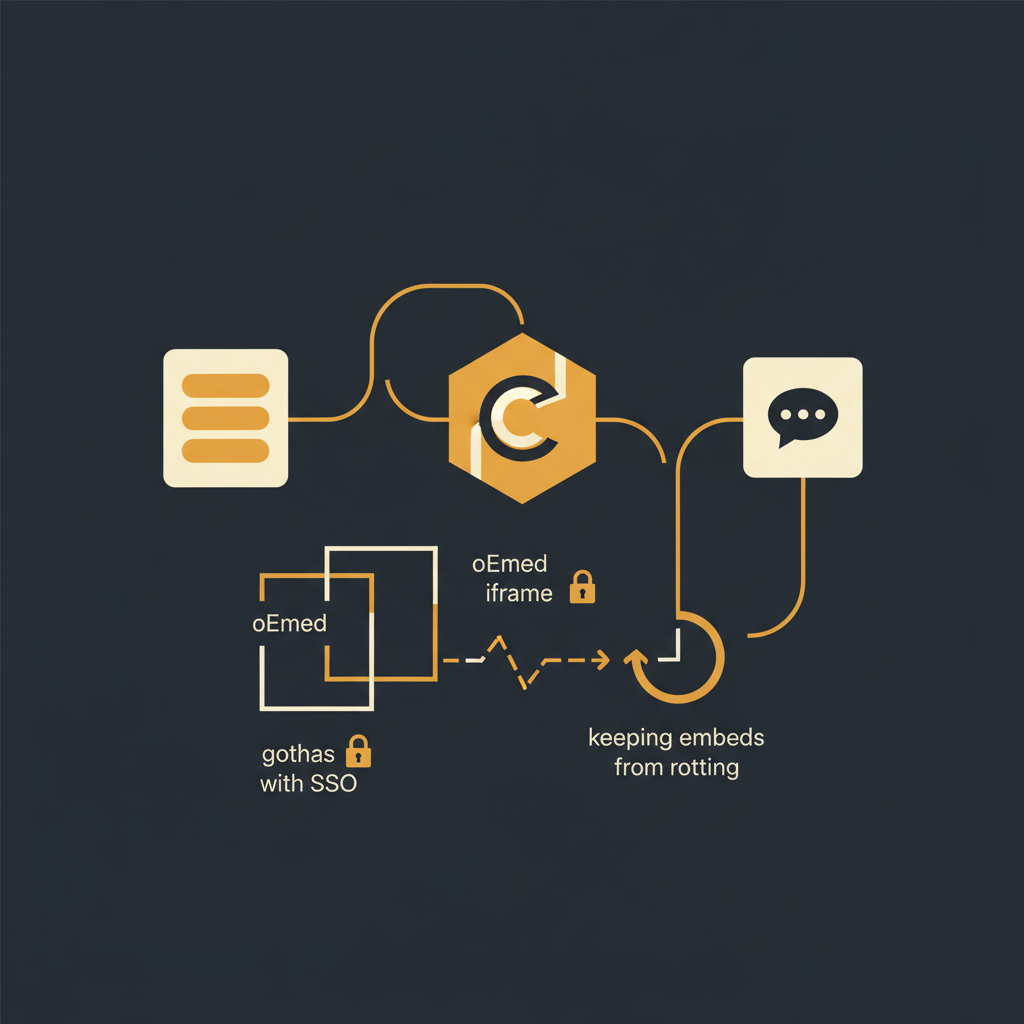
Making product knowledge immediately accessible where teams work is a consistent goal for operations, customer success, and engineering leaders. Interactive product demos, in particular, offer a richer experience than static screenshots or lengthy text. However, the path to embedding these dynamic assets into platforms like Notion, Confluence, or Slack is paved with technical nuances, particularly around oEmbed, iframes, and the persistent challenge of content decay.
oEmbed vs. Iframe: Mechanisms for Dynamic Content
The choice between oEmbed and direct iframe embedding dictates much of the experience and administrative overhead for interactive demos. Understanding their fundamental differences is crucial.
oEmbed is a protocol designed to allow embedding of rich media content from a source URL into another web page. When you paste a YouTube link into Notion and it magically becomes an embedded video player, that's oEmbed at work. The embedding platform sends a request to the content provider's oEmbed endpoint, which returns HTML (often an iframe) that the embedding platform then renders. The key advantage here is simplicity for the end user; just paste a URL. The disadvantage is that the embedding platform must explicitly support the oEmbed provider, and you have limited control over the embedded content's presentation beyond what the provider offers.
Iframes (inline frames) provide a direct mechanism to embed another HTML document within the current one. This offers maximum control: you specify the source URL, dimensions, and various sandbox attributes. For interactive demos, iframes are often the underlying technology, even if an oEmbed process initiated them. The primary challenges with direct iframe use revolve around security (cross-site scripting risks), user experience (nested scrollbars, layout issues), and critically, authentication across different domains.
For interactive demos, the ideal scenario is often an oEmbed integration that resolves to a well-behaved iframe. This combines ease of use with the flexibility of a dedicated embedding mechanism. However, not all platforms support all oEmbed providers, and not all environments permit arbitrary iframes.
Platform-Specific Embedding Realities
Each collaboration platform has its own approach to handling external content, impacting how interactive demos can be effectively integrated.
Notion
- Mechanism: Predominantly relies on oEmbed. Notion maintains a whitelist of supported providers (e.g., YouTube, Vimeo, Typeform, Loom). If your demo platform is on this list, embedding is as simple as pasting a URL.
- Limitations: Notion does not allow arbitrary iframes for security reasons. If your demo platform is not an officially supported oEmbed provider, you cannot embed interactive content directly. The link will remain a link, or at best, show a static preview if the platform supports basic Open Graph (OG) tags.
- User Experience: When supported, embeds are seamless and visually integrated. When not, it's a click-through experience, which defeats some of the 'in-line' value.
Confluence
- Mechanism: Confluence is more flexible, supporting both oEmbed (via specific macros) and direct iframe embedding through its 'HTML macro' or similar extensions, often requiring administrator configuration.
- Admin Control: For security, Confluence administrators typically need to whitelist domains for content embedded via iframes. This is a critical step for enterprise environments; without it, the iframe will be blocked.
- SSO Gotchas: Confluence's flexibility introduces more direct exposure to SSO challenges. An iframe embedding a demo that requires authentication can lead to a nested login prompt or a broken experience if cookie policies prevent session sharing (more on this below).
- User Experience: Can be highly integrated and functional, but requires more setup and careful consideration of authentication.
Slack
- Mechanism: Primarily uses oEmbed for 'link unfurling'. When you paste a URL from a supported service, Slack automatically fetches metadata and renders a rich preview (e.g., a summary, an image, or a play button for video).
- Interactivity: Direct interactive embeds within Slack are highly limited. The unfurled content is usually a static preview that, when clicked, opens the full interactive demo in a web browser.
- Focus: Slack's embedding capabilities are geared towards quick context and redirection rather than full in-app interaction. For interactive demos, it serves as a discovery mechanism to the source.
The SSO Conundrum: Authentication in Iframes
One of the most significant hurdles for embedding interactive demos, especially in enterprise settings, is authentication. If your demo platform requires users to log in, embedding it within another application (via an iframe) introduces complex challenges.
Nested Authentication: Users might find themselves in a situation where they are logged into Notion or Confluence, but the embedded demo still prompts them to log in separately. This creates a disjointed and frustrating user experience.
Cookie Policies (SameSite): Modern browser security features, particularly the SameSite cookie attribute, are designed to prevent cross-site request forgery (CSRF) and enhance user privacy. By default, cookies are often set to SameSite=Lax or Strict, meaning they are not sent with cross-site requests, including those originating from an iframe embedded on a different domain. This prevents the embedded application from recognizing an existing user session, forcing a re-login.
Potential Workarounds (with caveats):
- Publicly Accessible Demos: The simplest solution is to make the embedded demo publicly viewable without requiring authentication. This is often not feasible for sensitive content.
- Signed URLs: Generate time-limited, cryptographically signed URLs for specific users. This bypasses a direct login but adds complexity to the demo platform's integration and requires careful security management.
- IdP-Initiated SSO within the iframe: This is technically challenging. It would involve the embedded application initiating an SSO flow directly within the iframe, which requires careful coordination with your Identity Provider (IdP) and specific browser configurations (e.g., allowing third-party cookies for the IdP domain). This is rarely a plug-and-play solution.
Stop writing docs nobody reads.
Record them instead.
Install the extension, walk through the tool you're tired of explaining. Tome Robot does the rest.