Customer success: cutting onboarding time with async walkthroughs
Traditional 30-minute live onboarding calls are often inefficient and difficult to scale. Streamline customer success operations by replacing them with personalized, asynchronous walkthroughs that capture attention and reduce redundant effort.
Onboarding new customers is a critical function for customer success teams. It sets the tone for the entire customer relationship, influences adoption rates, and ultimately impacts retention. For many organizations, the standard approach involves a live, often 30-minute, Zoom call where a customer success manager (CSM) walks a new user through key features. While seemingly straightforward, this method presents significant operational challenges, consuming valuable time from skilled personnel for repetitive tasks that could be handled more efficiently.
The Hidden Costs of Live Onboarding
The seemingly innocuous 30-minute onboarding call carries a substantial overhead, far beyond the allocated time slot. Consider the aggregate: a CSM conducts five such calls daily, each requiring a 30-minute preparation window for context gathering and a 15-minute post-call follow-up. This translates to over three hours of a CSM's day dedicated to a single, often repeatable activity. Factor in scheduling complexities, no-shows, and the inherent inconsistency across different CSMs delivering the same core message, and the inefficiency becomes apparent. Each live session is a unique performance, susceptible to variations in delivery, energy levels, and the specific questions asked, leading to an uneven learning experience for customers. This model struggles to scale; as your customer base grows, so does the burden on your CS team, demanding additional hires simply to keep pace with basic onboarding, rather than focusing on strategic customer engagement or problem-solving. Furthermore, live calls are inherently linear. If a customer needs to revisit a specific step or forgets a detail, they must interrupt the CSM or wait for a follow-up, adding friction to their learning journey. This also applies to teams with global reach, where coordinating live calls across disparate time zones introduces another layer of complexity and potential delay.
The Case for Asynchronous Walkthroughs
The operational alternative lies in a well-structured asynchronous onboarding program. Instead of a synchronous 30-minute interaction, imagine a curated, 7-minute narrated walkthrough that customers can access on demand, at their convenience. This shift fundamentally alters the resource allocation for customer success. Rather than repeating the same core demonstration multiple times daily, CSMs invest time once in creating a high-quality, comprehensive walkthrough. This asset then serves an unlimited number of customers, providing a consistent, high-fidelity experience every time. The benefits extend beyond mere efficiency. Customers can pause, rewind, and re-watch sections as needed, tailoring the learning pace to their individual understanding. This self-service model empowers users to absorb information effectively, reducing the need for immediate clarification and freeing CSMs to address more complex, bespoke customer needs. Moreover, asynchronous materials inherently enforce a standard. Every customer receives the same baseline information, ensuring no critical step or feature is overlooked due to a CSM's oversight or a customer's specific line of questioning. This consistency is invaluable for establishing a uniform understanding of your product's core value proposition across your user base.
Crafting Effective Async Onboarding (and When to Go Live)
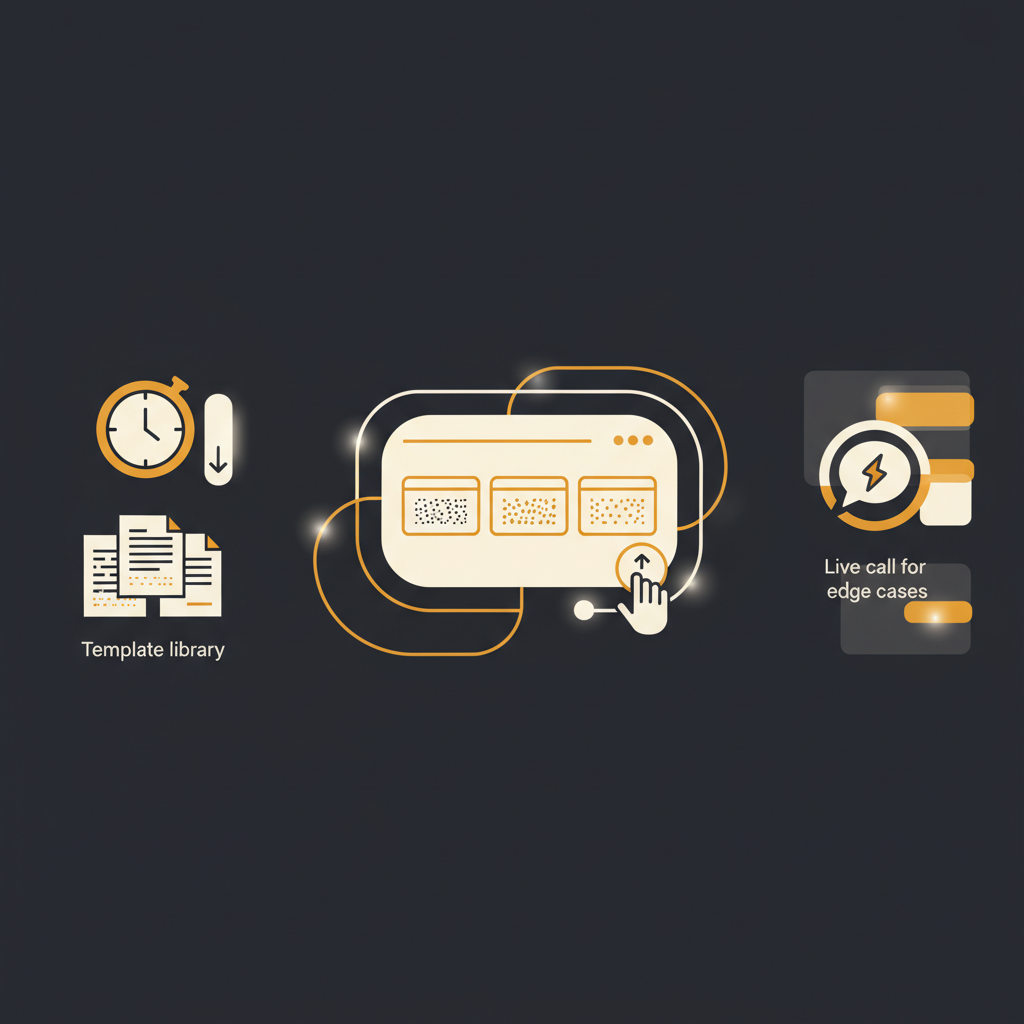
Building a robust asynchronous onboarding system requires a thoughtful approach, not simply recording a Zoom call. The goal is not merely to digitize the existing process but to optimize it for independent learning. Start with a foundational template library. Identify the core product areas and workflows that every new customer must understand. Create modular walkthroughs for each, focusing on clear, concise narration paired with visual cues. For instance, a "Getting Started with X Feature" module might be a 3-minute video, followed by a "Configuring Your First Project" module that runs 4 minutes. Personalization is key. While the core content is templated, the delivery should feel specific to the customer. This can be achieved by segmenting your customer base and providing tailored sets of walkthroughs. A small business user might receive a different sequence and emphasis than an enterprise client. Integrating these walkthroughs into an automated sequence, triggered by signup or key milestones, ensures timely delivery. The critical decision then becomes: when to transition from async content to a live interaction? Async walkthroughs handle the predictable, common paths. Live calls should be reserved for edge cases, complex integrations, or strategic discussions that require real-time problem-solving and nuanced human interaction. For example, if a customer reaches out with a specific, technical integration question not covered by the standard documentation, that warrants a live session. If a customer consistently struggles after consuming the async content, that signals a need for a deeper, personalized conversation. This model ensures that live CSM time is allocated to high-value activities, where human empathy and expertise are truly indispensable, rather than for rote demonstrations.
Key Components of a Scalable Async Onboarding Program
- Effortless Content Capture: The ability to quickly and easily record step-by-step walkthroughs is paramount. This should involve a low-friction process, perhaps a browser extension, that turns real product usage into structured, searchable articles, complete with narration and screenshots for every click. The less overhead in content creation, the more frequently it can be updated and expanded.
- Automatic PII Redaction: When recording live system interactions, sensitive data (personally identifiable information) inevitably appears. A robust system must automatically detect and redact this information during the capture process, preventing accidental exposure and ensuring compliance without manual review for every single asset. This is a non-negotiable for security-conscious organizations.
- UI Change Detection and Flagging: Product interfaces evolve. What was accurate six months ago might be completely outdated today. A static knowledge base quickly becomes a liability. An effective async platform must possess the intelligence to detect when the underlying user interface (UI) depicted in a walkthrough has changed. It should then flag the relevant articles for review and update, ensuring that customers are always consuming current, accurate information. Without this, you risk providing instructions that simply do not work, eroding trust and increasing support requests.
- Searchability and Accessibility: The best walkthroughs are useless if customers cannot find them. The content must be easily searchable, perhaps integrated directly within the product or accessible via a dedicated knowledge portal. It should be consumable across devices, ensuring flexibility for users learning at their desk or on the go.
- Feedback Loops and Analytics: Understand how customers interact with your async content. Which walkthroughs are most viewed? Which are skipped? Where do users drop off? Integrating feedback mechanisms (e.g., "Was this helpful?") and analytics allows for continuous improvement and refinement of your onboarding materials, ensuring they remain relevant and effective.
Transitioning from a live-first onboarding model to one that prioritizes asynchronous, self-service content is not about eliminating human interaction. It is about optimizing it. By strategically deploying detailed, easily consumable walkthroughs, organizations can significantly reduce the repetitive burden on their customer success teams, ensuring that valuable human capital is directed towards complex problem-solving and relationship building. This approach leads to a more consistent, scalable, and ultimately more effective customer journey, setting new users up for success with operational efficiency. A platform that can record real team walkthroughs, auto-redact PII, and detect UI changes, such as Tome Robot, offers a practical mechanism for building this scalable foundation.
Stop writing docs nobody reads.
Record them instead.
Install the extension, walk through the tool you're tired of explaining. Tome Robot does the rest.