Crawl and import: migrating an existing knowledge base into Tome Robot
Migrating an established knowledge base can seem daunting, a complex dance of content transfer and link preservation. This guide outlines practical strategies, from web crawling to bulk Markdown imports, ensuring a smooth transition without sacrificing SEO or user experience.
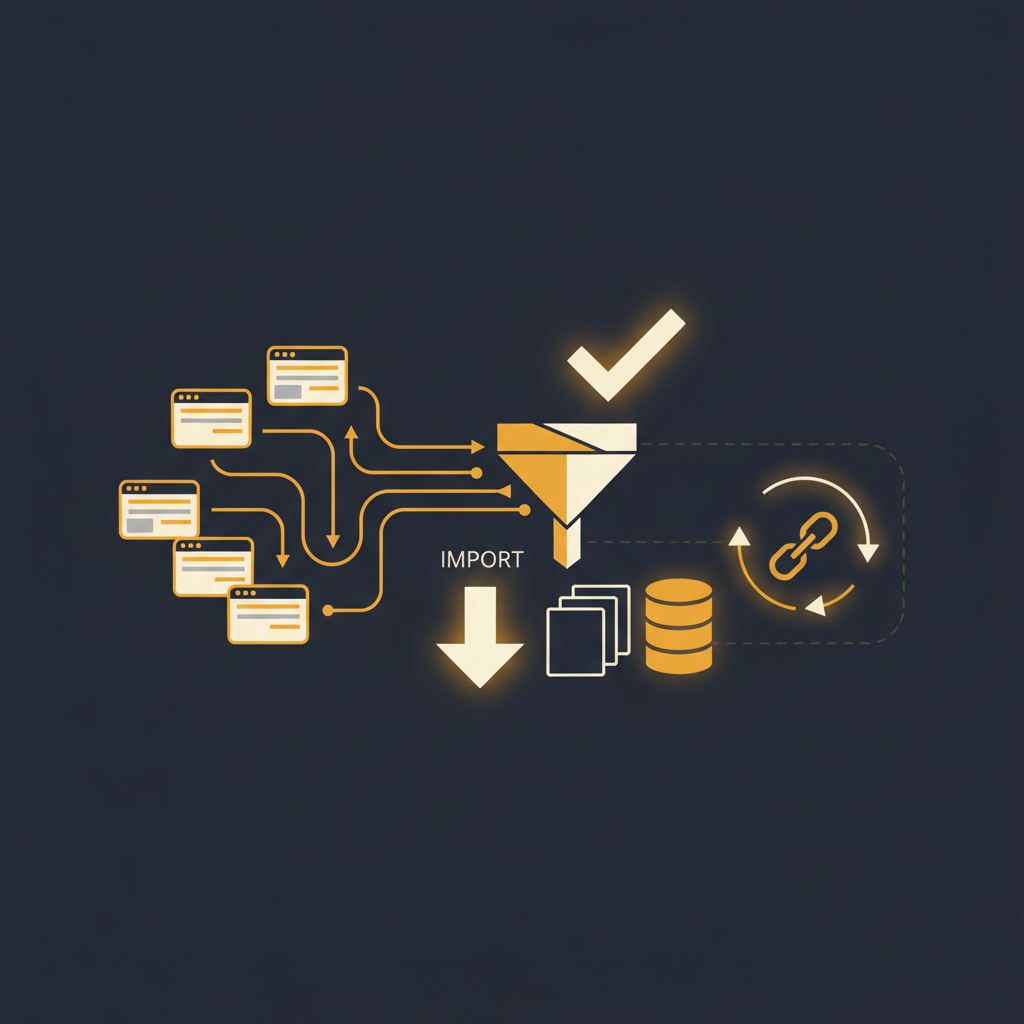
Shifting an organization's accumulated knowledge from one platform to another is rarely a trivial undertaking. It's not merely about moving files; it's about preserving institutional memory, maintaining search engine authority, and ensuring that users, both internal and external, can continue to find the information they need without interruption. A botched migration can lead to a cascade of broken links, frustrated users, and a significant erosion of trust in your documentation. The objective is a clean cut, not a messy tear.
The Crawler Approach: Harvesting Public and Semi-Public Content
For knowledge bases that are publicly accessible, or at least visible without deep authentication layers, a web crawler often presents the most straightforward path for initial content acquisition. Think of your Zendesk Guide, a public Confluence space, or Notion pages shared to the web. A crawler behaves much like a search engine bot, systematically navigating through pages, identifying links, and extracting content.
The primary advantage of this method is its relative hands-off nature once configured. You provide a starting URL, define the scope (e.g., only pages within a specific subdomain), and let the crawler do its work. It will pull HTML content, often preserving the basic structure, headings, paragraphs, and lists. Many modern crawlers can even attempt to identify and download associated media files like images, though this capability varies.
However, the crawler approach is not without its limitations. It primarily sees what a web browser sees. This means highly dynamic content generated by client-side JavaScript might be missed or rendered incorrectly. Furthermore, a crawler typically only captures the rendered HTML. It won't inherently understand the underlying data structure, metadata, or platform-specific macros that might be crucial in your original system. For instance, a Confluence macro for a Jira ticket might render as a simple link or text in the crawled output, losing its interactive functionality. Internal links within the crawled content will also point back to the old platform unless a sophisticated rewrite engine is employed during the import process. This necessitates a careful review post-crawl to ensure content integrity and correct internal linking.
Before deploying a crawler, ensure you understand the target platform's robots.txt file and any rate-limiting policies. Aggressive crawling can lead to IP blocking or service degradation on the source system, which is counterproductive. A measured, polite crawl is always the better strategy, often requiring adjustments to crawl delay and concurrency settings.
Structured Data Import: The Markdown Advantage and Beyond
When content resides in systems with robust export capabilities, or when a higher degree of fidelity and control is required, importing structured data directly is often preferable. This method is particularly effective for internal knowledge bases, development documentation, or any content where the semantic structure is as important as the visual presentation.
Markdown stands out as a highly effective intermediary format for migrations. Its simplicity and widespread adoption mean that many platforms (like Notion, Confluence, and even some custom CMS solutions) offer export options that can be converted to Markdown with reasonable effort. Markdown preserves headings, lists, code blocks, tables, and basic formatting without the complexity and often proprietary syntax of full HTML or XML exports. This makes it an excellent target for cleaning and preparing content before import.
The process generally involves:
- Exporting from the Source System: This might mean using a platform's native export feature (e.g., Confluence's XML export, Notion's Markdown export, or a custom script interacting with an API).
- Conversion and Cleaning: If the export isn't directly Markdown, a conversion step is needed. Tools exist to convert HTML to Markdown, though manual cleanup is almost always required to remove platform-specific cruft (e.g., Confluence storage format artifacts, Notion block IDs, or Zendesk's specialized HTML classes). This phase is critical for ensuring clean, portable content.
- Attachment Handling: Images, PDFs, and other attachments are rarely embedded directly in Markdown. They are typically referenced by URL. During import, these files need to be retrieved from their original locations and uploaded to the new platform's asset store, with their references updated in the Markdown content.
- Bulk Import: The cleaned Markdown files, along with their associated assets, are then imported into the new knowledge base platform. Many modern platforms offer bulk import tools that can process hundreds or thousands of articles efficiently. This is where features like automatic internal link rewriting become invaluable, transforming old-platform specific links into new, platform-native links.
While more effort-intensive upfront, a structured data import provides superior control over content quality, metadata preservation, and long-term maintainability. It also minimizes the risk of losing critical semantic information that a purely visual crawler might overlook.
Redirect Management: Preserving Your Digital Footprint and User Trust
A migration is incomplete, and arguably detrimental, if it fails to address the issue of broken links. Every existing link pointing to your old knowledge base articles, whether from search engines, internal documents, or external websites, represents valuable traffic and authority. Neglecting redirect management leads directly to 404 errors, a poor user experience, and a significant drop in search engine ranking.
The solution is 301 (permanent) redirects. These tell browsers and search engines that a page has permanently moved to a new location. Implementing them correctly ensures that:
- SEO Value is Preserved: Search engines pass on most of the "link equity" from the old URL to the new one, preventing a loss of hard-earned ranking.
- User Experience Remains Seamless: Users clicking old bookmarks or links from other sites are automatically taken to the correct new page, rather than encountering a dead end.
- Internal References are Future-Proofed: While a robust import should update internal links within the new KB, external links and legacy documents still need redirection.
The core task is to create a comprehensive map of old URLs to new URLs. For smaller knowledge bases, this might be a manual spreadsheet. For larger ones, it often requires a programmatic approach:
- Extract Old URLs: Gather a list of all existing article URLs from your old platform. This can be done via sitemaps, analytics reports (top visited pages), or by crawling the old site's index.
- Map to New URLs: During the import process, your new platform should generate unique URLs for each article. The challenge is to associate each old URL with its corresponding new one. This might involve matching based on article title, content hashes, or a unique ID carried through the migration.
- Implement Redirects: The actual implementation depends on your hosting environment. It could involve server-side rules (e.g., Apache
.htaccess, Nginx configuration), a content delivery network (CDN) redirect service, or features within your new knowledge base platform that allow bulk redirect management. Prioritize a solution that allows for easy bulk uploads of a CSV mapping file.
Testing is non-negotiable. After implementing redirects, systematically test a representative sample of old URLs, especially the most popular and those linked from critical external sources. Automated link checkers can help identify any missed pages, but manual spot-checks for critical paths are essential.
Migrating a knowledge base is an operational rather than merely a technical challenge. It demands meticulous planning, an understanding of the content's lifecycle, and an appreciation for the user's journey. By employing strategic content acquisition methods and rigorously managing redirects, organizations can transition to a more efficient platform without sacrificing the accumulated value of their documentation. The effort invested in a clean migration pays dividends in sustained productivity and a reliable source of truth, ensuring that the new platform delivers on its promise of improved knowledge delivery and maintenance.
Stop writing docs nobody reads.
Record them instead.
Install the extension, walk through the tool you're tired of explaining. Tome Robot does the rest.