Article versioning without the Git learning curve
Outdated internal documentation is a persistent operational drain. Teams need reliable version control for their standard operating procedures, but without the steep learning curve of developer tools like Git.
Operational procedures, like software, are rarely static. Business processes evolve, user interfaces shift, and regulatory requirements change. The documentation meant to guide teams often lags, leading to errors, inefficiencies, and frustrated employees. Relying on manually updated documents or hoping everyone remembers the latest protocol is a recipe for operational drift. While software engineering teams benefit from sophisticated version control systems like Git, applying that complexity to everyday operational documentation is often impractical. The objective is clarity and reliability, not a new set of command-line tools.
The Hidden Costs of Unversioned Knowledge
Consider a critical customer support workflow: processing a nuanced refund. If the procedure document is outdated, even by a few steps, agents might provide incorrect information, misconfigure a system, or simply take significantly longer. These seemingly small deviations accumulate. Across a team of fifty agents, each encountering five such scenarios daily, the cost quickly mounts. It is not just about time; it is about customer satisfaction, regulatory compliance, and employee confidence. When a senior operations leader asks "Who changed this process?" or "What did it look like three months ago?", and the answer is "We don't know," that indicates a fundamental lack of operational control. Most document storage solutions offer basic file history, but these often lack the granularity, comparison tools, and auditability required for serious operational knowledge management. They treat documents as files, not as living, evolving processes.
Automatic Snapshots: Your Operational Safety Net
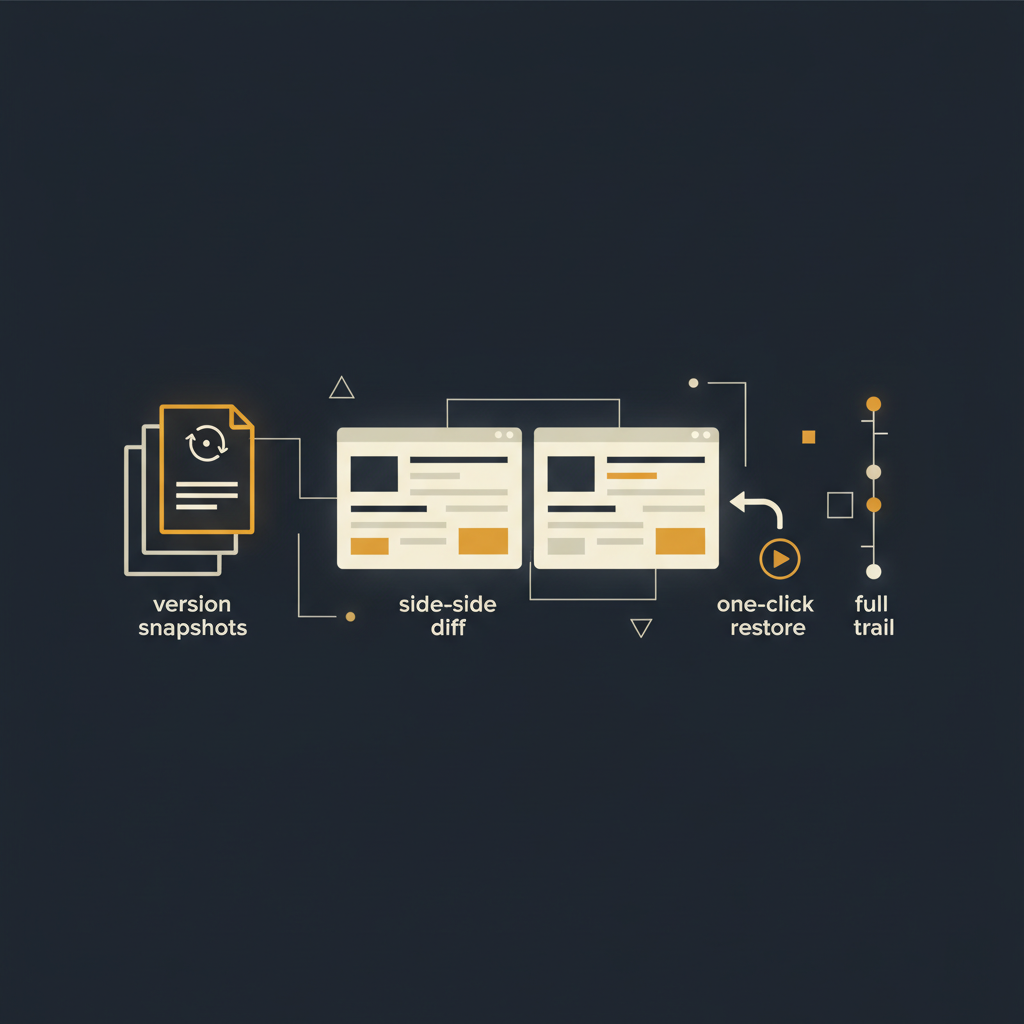
The cornerstone of practical version control for documentation is automatic snapshotting. Every time an article, a process guide, or a standard operating procedure is published or updated, the system should automatically create an immutable historical record. This is distinct from simply saving a new file. Each snapshot is a complete, timestamped version of the content, linked to the user who made the change. Think of it less like a series of overwritten drafts and more like a financial ledger, where every transaction is recorded and cannot be altered.
This approach offers immediate benefits:
- Guaranteed Rollback: No matter how badly a new version breaks a process, a previous, known-good state is always available for instant restoration. This eliminates the fear of making changes.
- Clear History: A chronological record of every modification provides a transparent view of how a process has evolved over time.
- Reduced Manual Overhead: Authors focus on content, not on manually creating "Version 1.0", "Version 1.1", and "Version 1.1_final_final". The system handles the administrative burden.
- Improved Trust: When teams know they can rely on the system to preserve history, they are more likely to contribute and trust the documentation.
This proactive preservation of knowledge transforms documentation from a static liability into a dynamic, auditable asset.
Visual Diffs and One-Click Restoration, No Terminal Required
The value of version history diminishes significantly if it is difficult to use. For operational teams, the command line interface of Git is an unnecessary barrier. What is needed are intuitive visual tools.
Consider a side-by-side comparison feature. When reviewing a previous version, the system should highlight additions, deletions, and modifications directly within the document text. This allows a user to quickly grasp the exact changes made, without sifting through lines of code or mental reconstruction. For instance, if a refund process was changed from requiring "Manager approval for amounts over $100" to "Supervisor approval for amounts over $50", a visual diff would clearly show the replaced words and values, making the impact immediately obvious.
Equally critical is a one-click restoration capability. Discovering that a recent update to a customer onboarding procedure has unintentionally introduced a critical error should not require a multi-step recovery process. A simple "Restore this version" button, typically accompanied by a prompt for a brief explanation, should revert the article to its previous state instantly. This empowers managers and content owners to correct mistakes quickly and confidently, minimizing operational disruption. This level of usability ensures that version control is actually used, rather than bypassed.
The Indispensable Audit Trail
Beyond simply tracking changes, a robust versioning system provides an audit trail that answers the fundamental questions: who, what, when, and why. Each version snapshot should log:
- Who: The specific user account responsible for the change. This provides accountability and helps identify subject matter experts.
- What: A clear, timestamped record of the content changes.
- When: The exact date and time of the publication.
- Why: A mandatory or optional field for a change description, explaining the rationale behind the update. For example, "Updated due to new regulatory guidance on data retention" or "Revised based on feedback from Q3 customer support review."
This audit trail is not merely for historical curiosity. It is a critical component for:
- Compliance: Demonstrating adherence to internal policies or external regulations (e.g., "Show us when your data handling procedure was last updated and by whom").
- Troubleshooting: Pinpointing when a process started to fail by cross-referencing operational issues with documentation changes. If customer complaints about a specific workflow spike, the audit trail can quickly show if a recent documentation change coincides.
- Training and Onboarding: New hires can review the evolution of a process to understand its context, rather than just its current state.
- Dispute Resolution: Providing objective evidence of what was documented at any given point in time.
The absence of a clear audit trail turns every operational misstep into a forensic investigation. Its presence turns it into a learning opportunity.
Proactive Change Detection: Beyond Manual Updates
While manual updates and robust versioning address many challenges, the underlying systems and UIs that documentation describes are themselves in constant flux. A truly advanced system goes a step further by detecting when the documented reality has shifted. Imagine a knowledge base platform that monitors the applications and web interfaces it describes. When a button moves, a field name changes, or an entire step in a workflow is altered, the system automatically flags the relevant articles for review. This is not merely version control; it is proactive documentation maintenance. It means that articles detailing a specific CRM workflow or an internal tool's setup don't silently become obsolete. Instead, they are highlighted, prompting content owners to update them before an agent or engineer relies on outdated instructions. This capability significantly reduces the decay rate of operational knowledge and keeps documentation perpetually relevant. The Tome Robot platform excels in this area, bridging the gap between static documentation and dynamic operational environments.
Maintaining accurate, up-to-date operational documentation is a continuous challenge. Without a streamlined, accessible approach to version control, teams spend valuable time correcting errors, answering redundant questions, and operating on outdated information. By implementing systems that offer automatic version snapshots, intuitive visual diffs, one-click restoration, and comprehensive audit trails, organizations can transform their knowledge bases from static archives into dynamic, reliable operational assets. The goal is not just to document processes, but to ensure those documents remain trustworthy and actionable, thereby improving overall operational efficiency and reducing risk without adding unnecessary technical overhead.
Stop writing docs nobody reads.
Record them instead.
Install the extension, walk through the tool you're tired of explaining. Tome Robot does the rest.